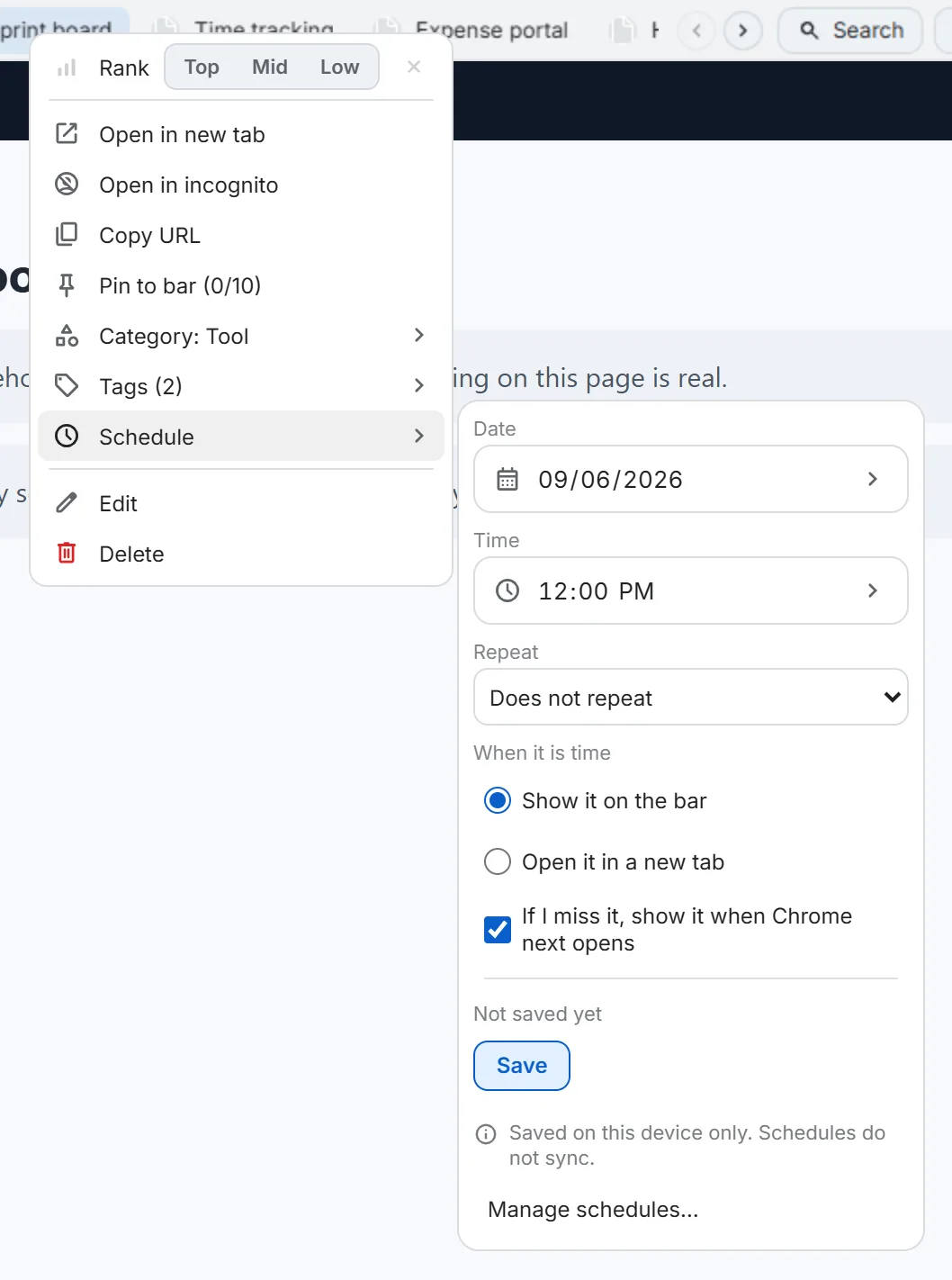
Right-click any bookmark, choose Schedule, and set a date, time, and an optional repeat — daily, weekly, monthly, or a custom interval with specific weekdays and an end condition.
What “due” looks like
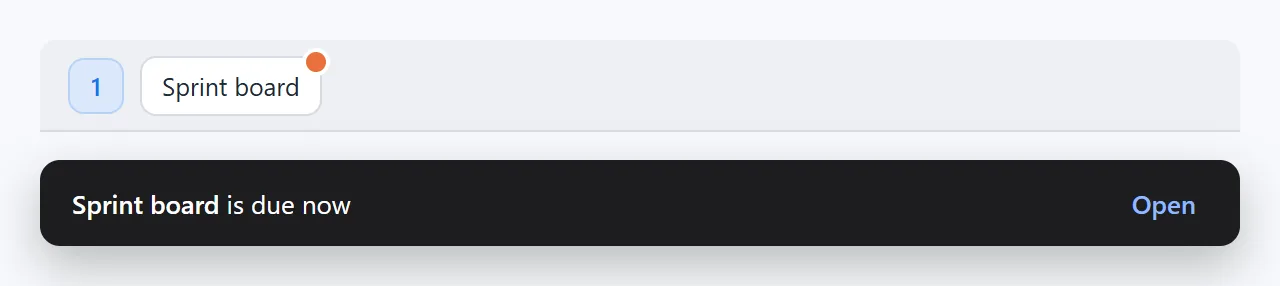
When a schedule comes due, a small clock badge appears on the bookmark’s chip in every open tab, and a toast offers Open in the tab you’re currently on. Nothing opens on its own unless you specifically turn on “open it in a new tab” for that schedule.
If the browser was closed
A schedule that comes due while Chrome isn’t running shows up the next time you open it — this can be turned off per schedule if you’d rather it just skip. A run of several missed repeats collapses into one catch-up instead of firing repeatedly.
Manage your schedules
Settings → Scheduled bookmarks lists every one you’ve made — pause it, edit it, or remove it.
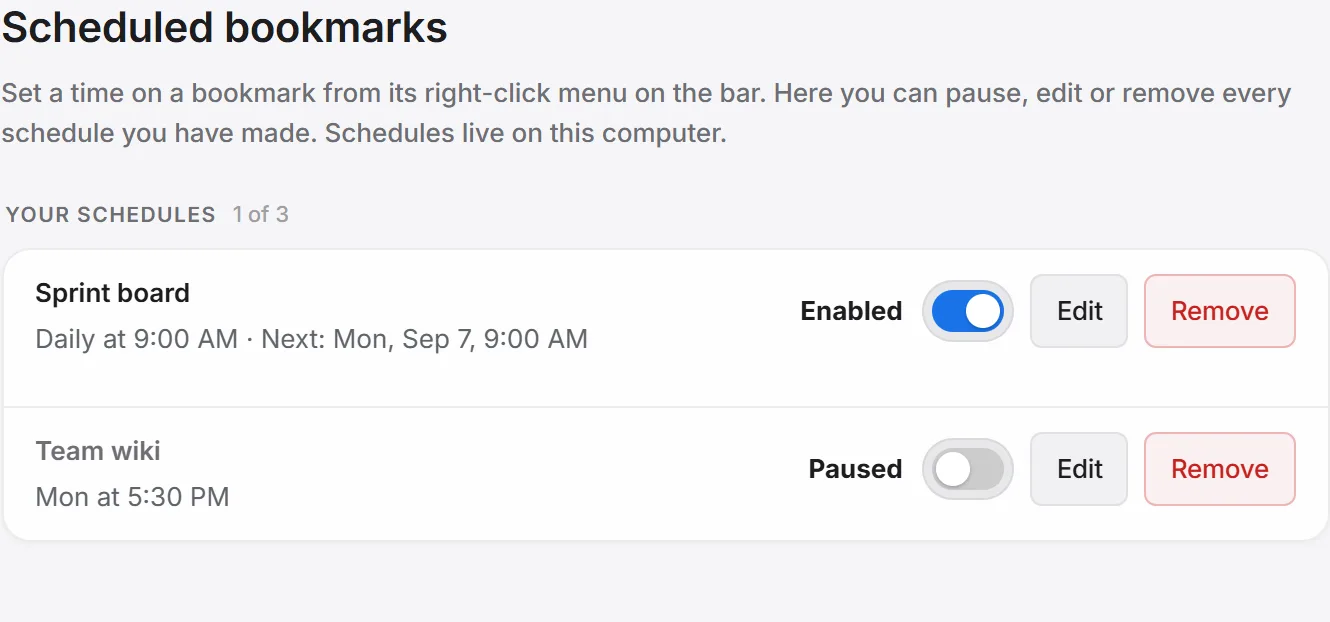
Good to know: schedules live on this computer only — they don't sync to another device.
Free vs Pro
Free plans keep 3 active schedules at a time; Pro raises that to 50. See every free-vs-Pro limit.