Second Bookmark Bar’s core is free forever: the bar itself, all seven quick-switch slots, search, save, auto-switch rules and rule packs, excluded sites, categories and tags, cleanup, backup, and link check. Pro raises a handful of numeric ceilings and adds cloud sync.
Every limit
| What | Free | Pro |
|---|---|---|
| Active video folders | 1 at a time | 7 (all slots) |
| Tags per video | 2 | 32 |
| Playlists per video | 2 | 24 |
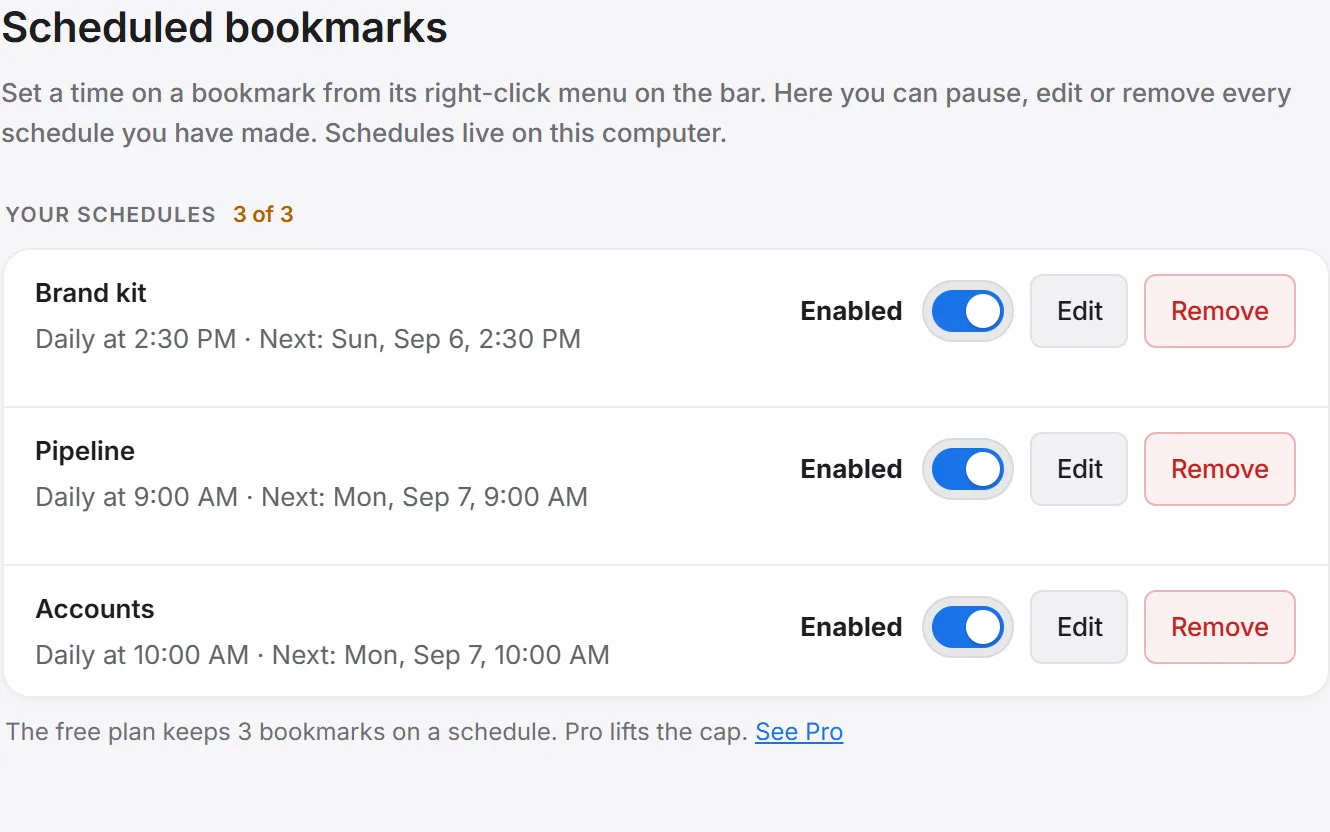
| Active scheduled bookmarks | 3 | 50 |
| Link check bookmarks per run | 300 | 5,000 |
| Cloud sync & shared spaces | — | Included |
What “capped” actually means
Hitting a cap blocks adding one more of that thing — it never deletes or locks anything you already have. Turn on an eighth active video folder past the free limit, for example, and the newest one simply swaps in for the oldest, rather than the extension losing data or breaking.
For the pricing and the reasoning behind it, see Free vs Pro — the full story on the blog; this page is just the numbers.