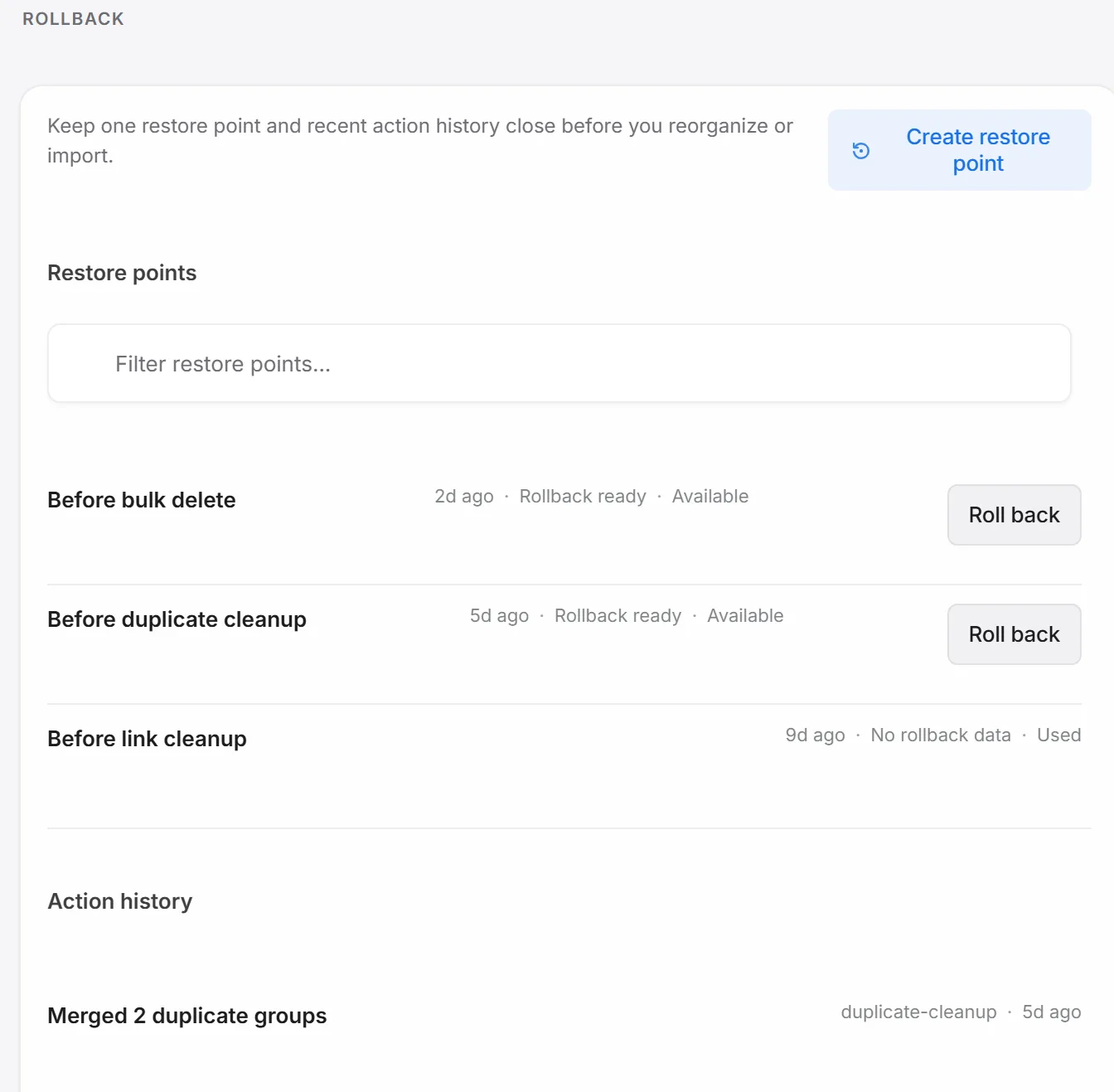
Anything that removes or restructures bookmarks in bulk — an import, a duplicate cleanup, a link check deletion — saves a restore point first, so undoing a cleanup that went further than you meant is always one click away.
Find duplicates
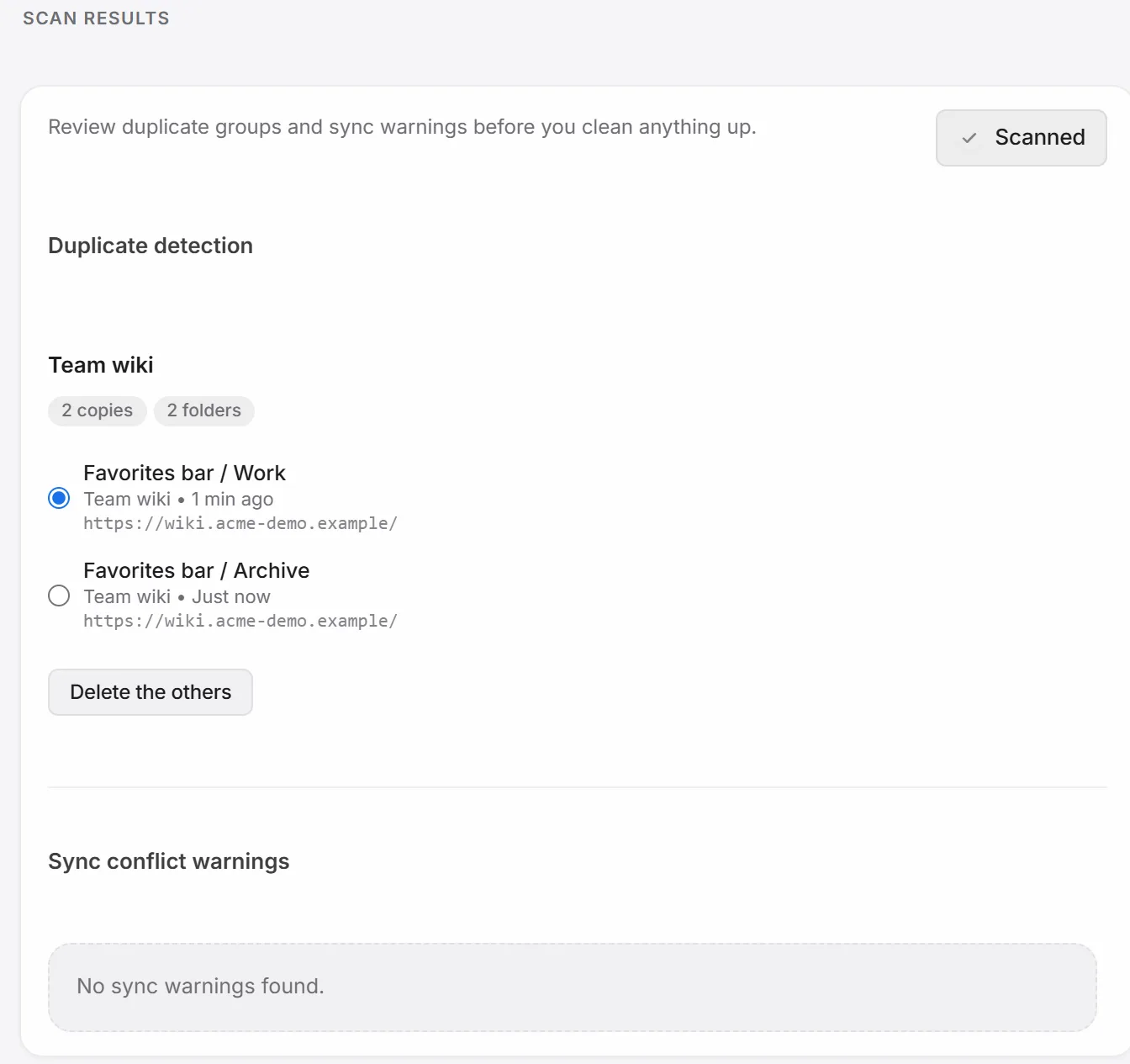
Settings → Recovery → Scan results groups bookmarks with the exact same URL and lets you choose which copy to keep.
Roll back
Settings → Recovery → Rollback & history keeps up to 24 restore points, searchable by name, plus a running action history so “why did this bookmark come back” always has an answer.
Back up everything to a file
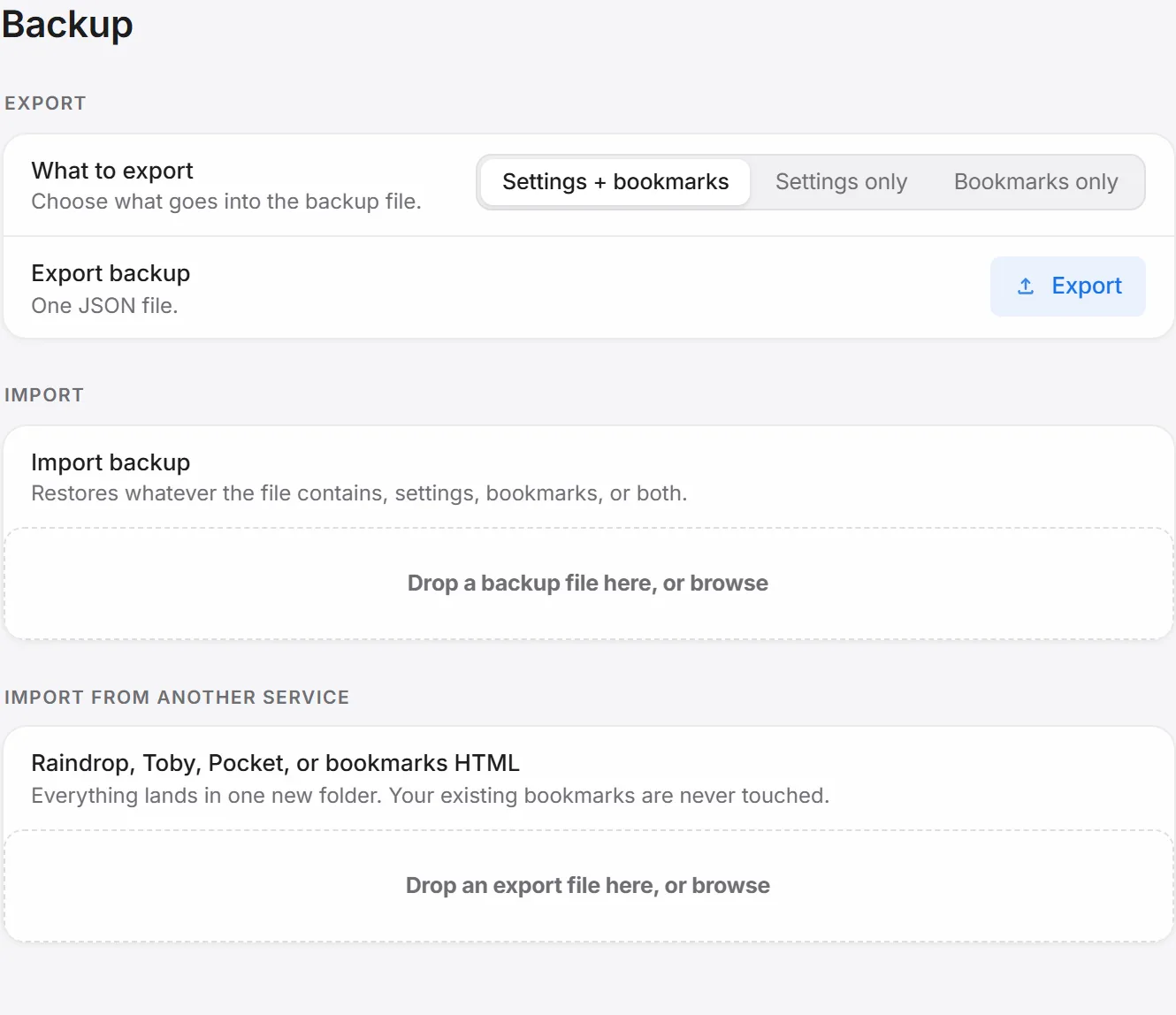
Settings → Backup & transfer exports your settings, your bookmarks, or both as one file — folder slots, auto-switch rules, excluded sites, categories and tags, and video metadata all travel with it. The same screen imports a file back in.
Good to know: Chrome's own chrome://bookmarks export still works as an extension-independent fallback — the extension's own backup is the one that also carries categories, tags, and video metadata along.