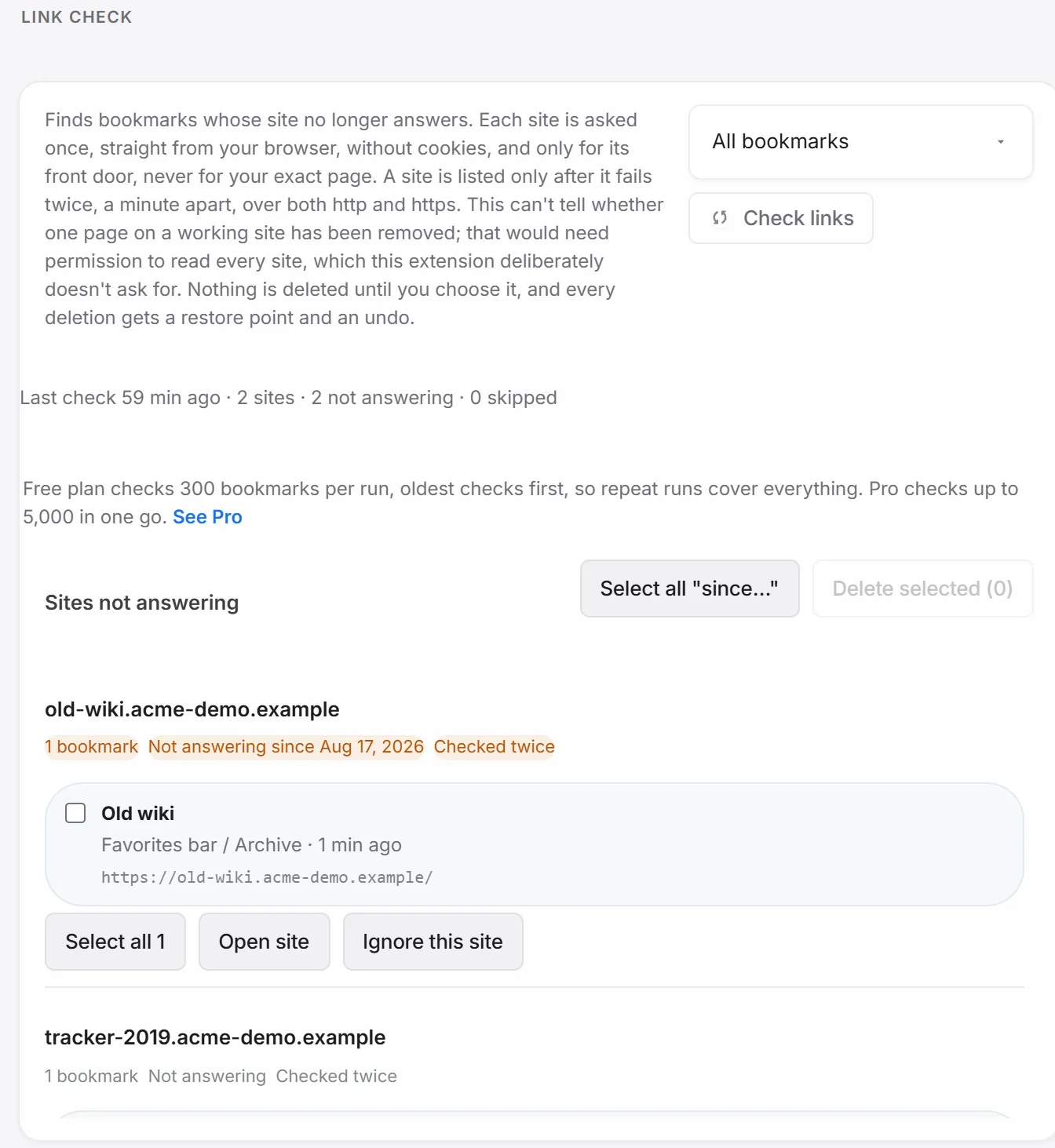
Settings → Recovery → Link check scans your bookmarks and flags the ones whose site no longer answers at all — not pages that changed or moved, but hosts that don’t respond.
Run it
Pick a scope — all bookmarks, or just one folder — and click Check links. It runs in the background with a live progress count, and you’re free to leave the page while it works.
What it can and can’t tell you
Each site is asked once, straight from your browser, for its front door only — no cookies, no exact page, no content read. A site is only listed as not answering after it fails twice, a minute apart, over both http and https. That safety margin means a slow site or a routine restart doesn’t get flagged, and a Cloudflare challenge page still counts as “answering.”
What it can’t tell you: whether one specific page on an otherwise-working site has been taken down. That would need permission to read every bookmarked page’s actual content — a permission this extension deliberately doesn’t ask for.
Review, delete, undo
Every flagged site shows how long it’s been unreachable and how many times it’s been checked. Select the bookmarks you actually want gone and click Delete selected — a restore point is saved first, the bookmarks are removed, and an undo toast stays available right after. The whole action also lands in your action history. A site that’s intentionally offline (a VPN-only tool, say) can be ignored so it stops showing up.
Free vs Pro
Free checks 300 bookmarks per run, oldest-checked first, so repeat runs eventually cover a larger library. Pro checks up to 5,000 in a single pass. See every free-vs-Pro limit.