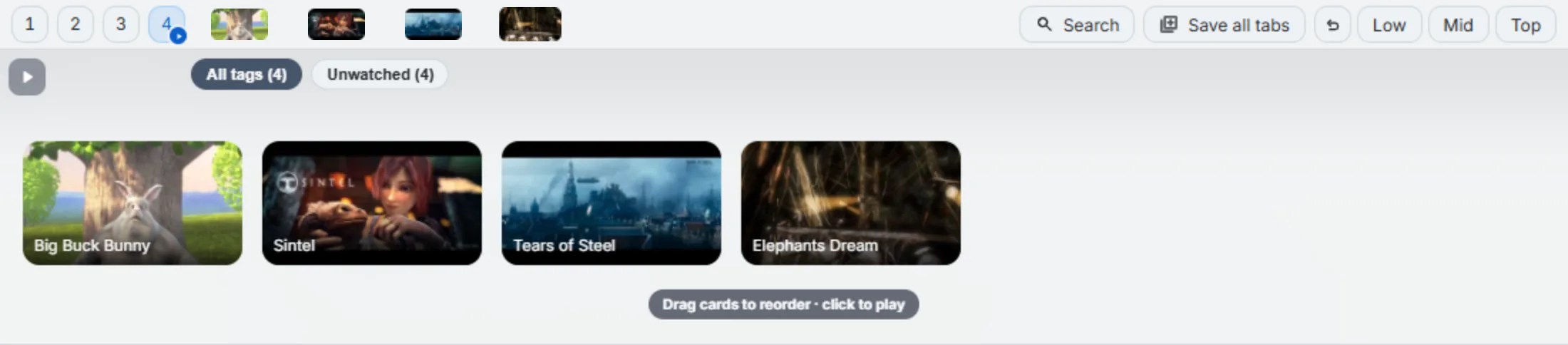
A video folder looks like any other folder on the bar until you hover it — then a strip of larger thumbnail cards drops down, each one showing the video’s title, and a duration badge if you’ve turned that on.
Make a folder a video library
Two ways:
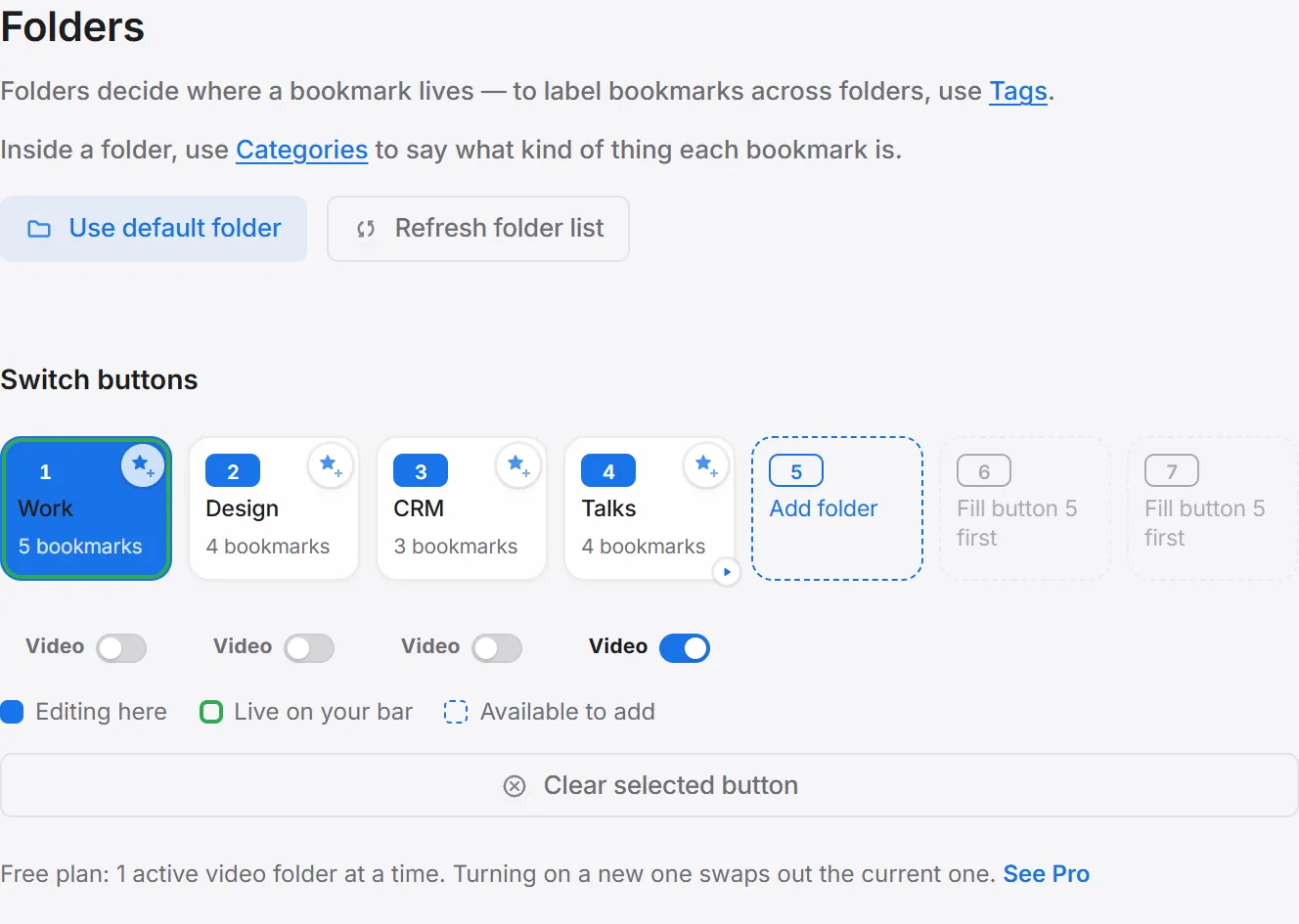
- Settings → Folders — flip the Video switch on the folder’s slot.
- Automatically — drop a video onto an ordinary folder, and it becomes a video library on the spot (this can be turned off in Settings → Folders if you’d rather it never happen without asking).
What you can tune
- Card size and magnify strength — how large the cards are, and how much they grow as your cursor passes over them.
- Video hover preview — turn the whole hover-to-open behavior off if you’d rather click to open the panel.
- Open in current tab vs. a new tab — current tab by default, so a video replaces the page you were on rather than piling up more tabs.
Free vs Pro
The free plan keeps one active video folder at a time — turning on a new one swaps out whichever was active. Pro raises that to all seven slots at once. See every free-vs-Pro limit for the full table.