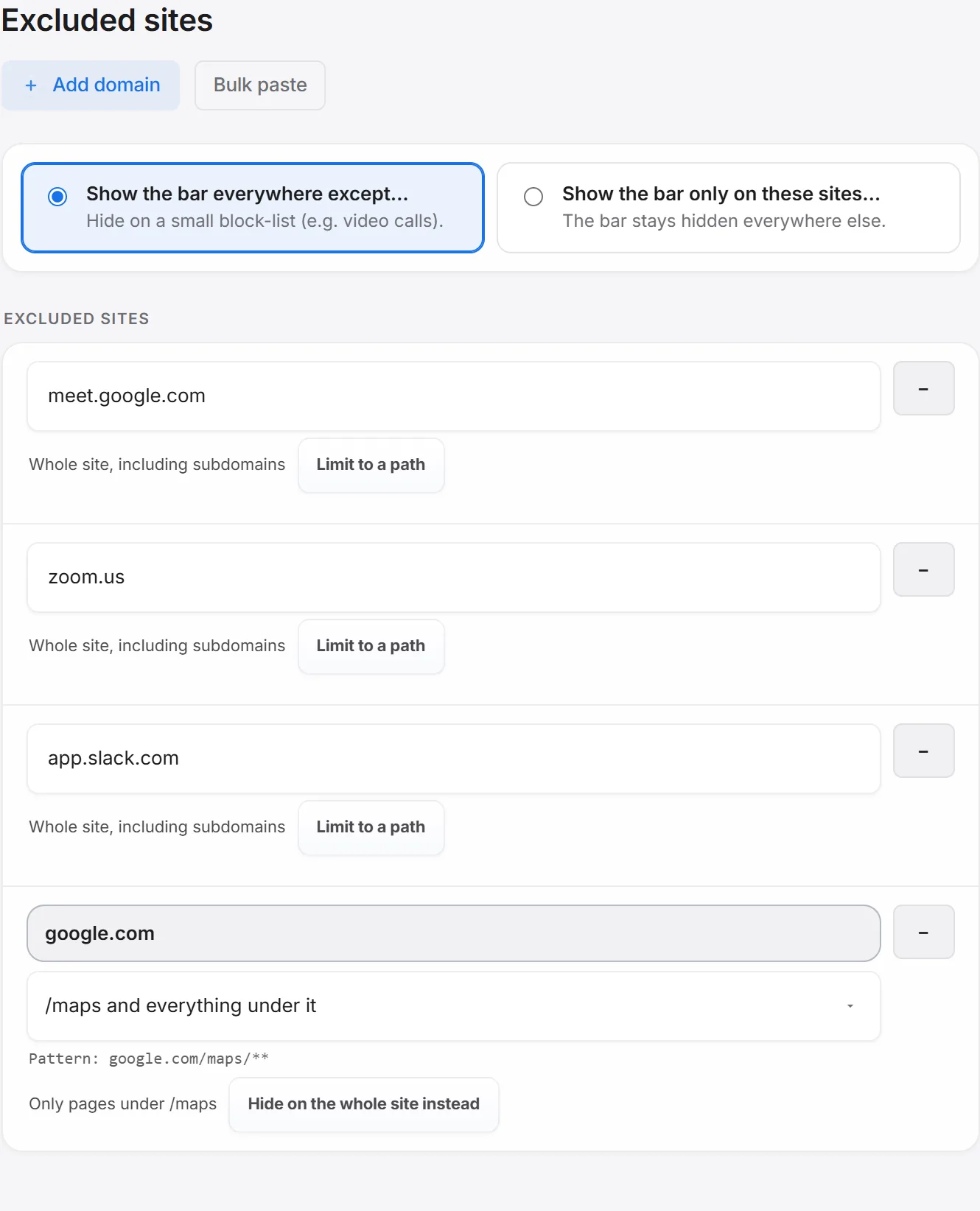
Seven Google properties are excluded by default — meet.google.com, gemini.google.com, aistudio.google.com, console.cloud.google.com, accounts.google.com, docs.google.com, and drive.google.com — because a second bar tends to compete for space with tools that already use every pixel. Everything past that is up to you.
Add a site
Settings → Excluded sites → Add domain — type a domain, or paste a full URL. Paste one with a path and a small chooser appears asking how much of the site to exclude: just that path and everything under it, or the whole domain.
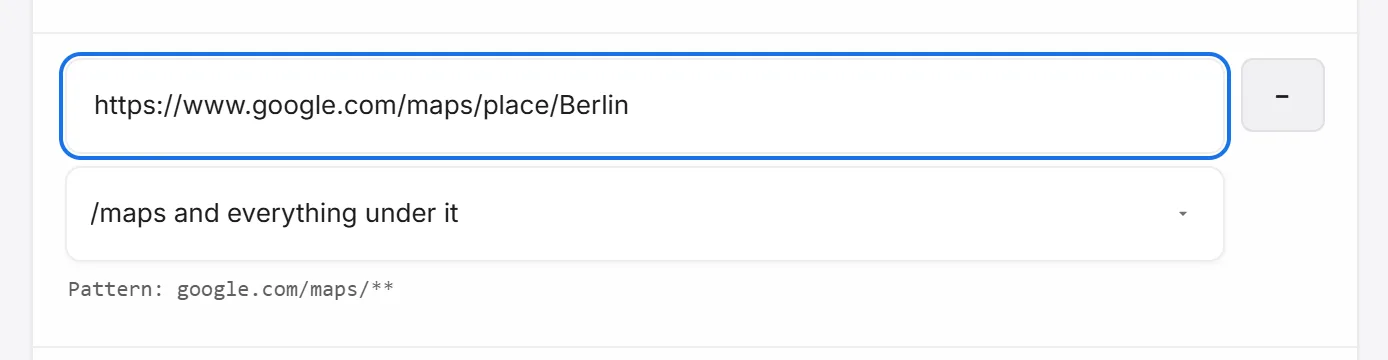
Any existing row can switch between Limit to a path and Hide on the whole site instead, and there’s a bulk-paste option for adding many at once.
Flip the mode
By default the bar shows everywhere except your excluded list. Switch to Show only on these sites and it flips — hidden everywhere except an allowlist you build the same way. Path-limited entries pause while this mode is active, since an allowlist is already the more restrictive setting.
From the toolbar
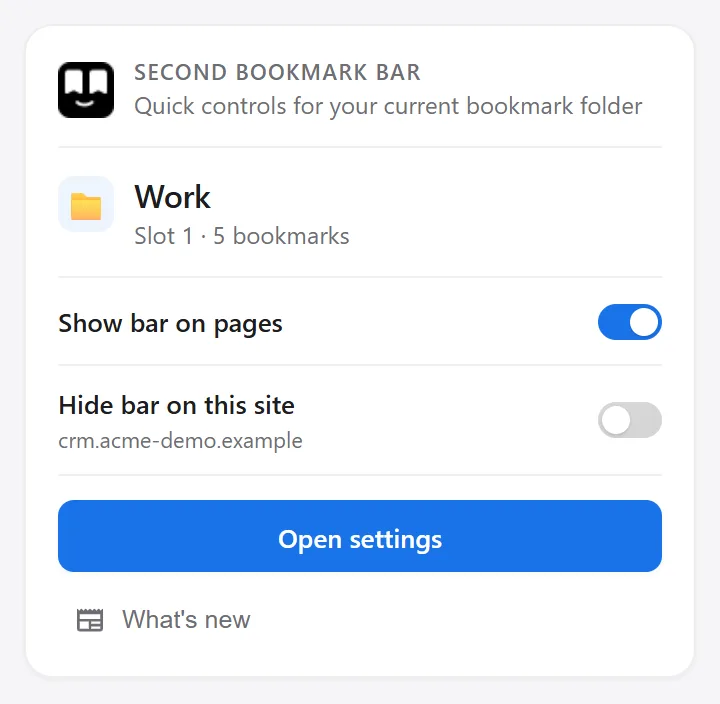
Click the extension’s icon for a quick Hide bar on this site toggle, without opening Settings at all — it also shows a note when a path rule, not the whole-domain list, is what’s hiding the bar here.
For the unexpected screen share
The Quick hide shortcut (set up in Settings → Hide shortcut) hides the bar instantly from the keyboard — see every keyboard shortcut.
Good to know: all of this controls the second bar only. Chrome's own bookmarks bar is a separate thing, toggled with Ctrl+Shift+B.