You’ve toggled the bookmarks bar off. It’s still there on the New Tab page. Or it was gone yesterday and it’s back today with no setting change you remember making. Search around and you’ll find three genuinely different explanations tangled together across forums and old help threads, and telling them apart is the actual fix, because two of them aren’t bugs at all and one of them was.
Sources checked September 2026.
Cause 1: the New Tab page has always been an exception
This one isn’t new and isn’t a bug. Chrome has, for years, drawn the bookmarks bar on a blank New Tab page even when you’ve toggled it off everywhere else. It’s by design: Chrome treats the New Tab page as a starting point where quick access to bookmarks is assumed useful, separately from your bar-visibility preference on regular pages. This is the oldest and most common source of “I turned it off and it’s still showing” confusion, and it predates anything below.
Cause 2: the Chrome 148 regression, May 2026
This one was a real bug. Chrome 148, shipped in May 2026, forced the bookmarks bar onto the New Tab page more aggressively than the by-design behavior above, and the toggle that should have controlled it stopped working. Android Authority covered it on 11 May 2026, and PiunikaWeb’s coverage the following day quoted affected users directly: “you can’t turn it off, and the toggle doesn’t work.” PiunikaWeb’s reporting confirmed Mac was affected alongside Windows. Google acknowledged the regression and a rollback was requested. If you hit this specifically in May or June 2026 and it’s since resolved itself after an update, that’s why, and it’s worth confirming you’re on a current Chrome build if you’re still seeing it.
Cause 3: a Canary flag that’s about to change the rules again
A newer wrinkle, reported 9 June 2026: a Chrome Canary flag called “NTP Simplification Bookmark Bar,” working on Mac, replaces the simple on/off toggle with a three-option dropdown for how the bar behaves on the New Tab page. The part worth knowing before it reaches stable: this change stops Cmd+Shift+B from toggling the bar at all once it’s active. If you’re used to that shortcut and it suddenly does nothing, this flag reaching stable is the likely reason, not a keyboard problem on your end.
Put together: cause 1 is permanent, cause 2 was a bug that should be fixed by now if you’re updated, and cause 3 is a change still making its way toward everyone. Any how-to that doesn’t separate these three is describing a moving target as if it were one fixed problem.
The Mac-specific control, since most guides are written for Windows
On macOS, the bookmarks bar toggle isn’t in the same place Windows guides describe. It’s under the View menu → Always Show Bookmarks Bar, in the Mac menu bar at the top of the screen, not inside Chrome’s own three-dot menu the way it’s often shown in Windows-first screenshots. Cmd+Shift+B does the same thing as a shortcut, for now, pending cause 3 above.
Why this keeps being a real question worth solving
Underneath all three causes is the same actual complaint: one bar, one global on/off switch, no way to make it context-dependent. You can’t tell Chrome “show it on my regular browsing, hide it on the New Tab page,” or “hide it on this one site but not others.” It’s one setting for the whole browser, which is exactly why cause 1 above has been a recurring point of confusion for years rather than a one-time bug someone fixed.
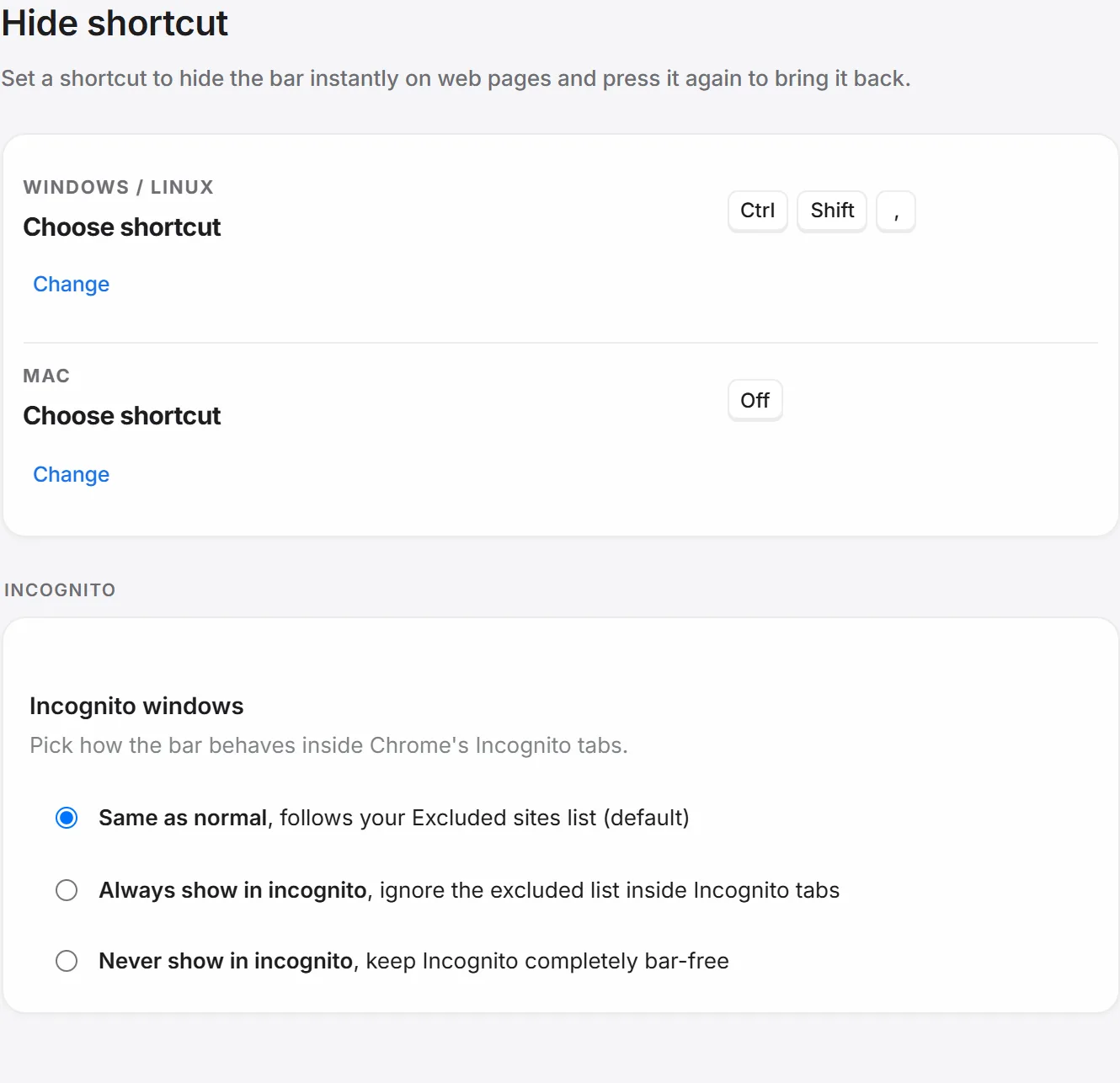
That’s a different problem from the three causes above, but it’s the reason people go looking for more control than Chrome’s single toggle gives them in the first place. Second Bookmark Bar doesn’t touch Chrome’s own bar or its New Tab behavior at all, cause 1 through 3 above are entirely Chrome’s to fix, but it does add a second row with real per-site control: an excluded-sites list so the second bar simply never renders on domains you pick, and a quick-hide shortcut with a separate Mac binding you choose yourself in settings. The full breakdown of hiding it on specific sites covers that in depth, since it’s a genuinely different mechanism from anything above, a per-page iframe rather than browser chrome, so it’s worth reading as its own topic rather than restating here.
If the actual complaint isn’t visibility but running out of room in the one row Chrome gives you, that’s a related but separate problem with its own fix. And if you’re comparing what a second bar adds against Chrome’s bookmarks generally, the direct comparison is here.